HomeAnthony Arlene

Workshops

Technology workshops that make people feel capable.

Hands-on classes for seniors, families, and anyone who has ever felt left behind by their phone. No jargon, no rushing, no question too basic.

Three workshops. One goal: access.

Every workshop is hands-on. People bring their own devices and leave with them set up the way they need, plus a large-print guide to take home.

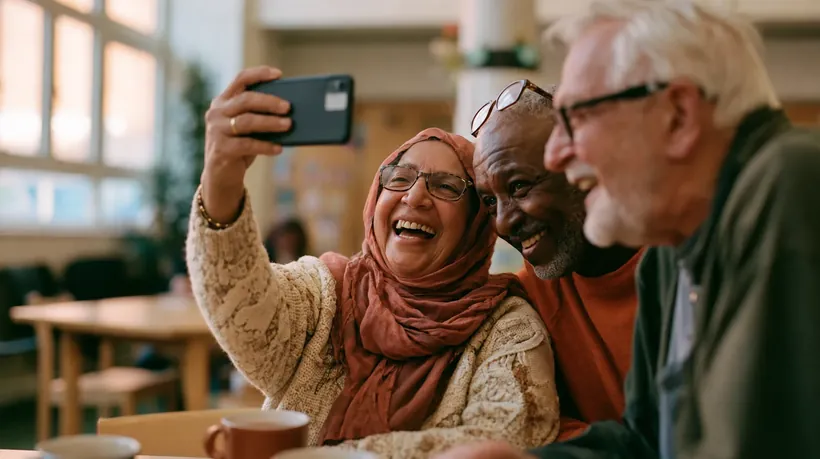
Three older adults laughing together while taking a selfie on a phone.

Tech for Seniors

Stay connected, stay safe, and make your phone easier to see, hear, and use.

A relaxed, patient class for people who own a smartphone or tablet and use a fraction of it. Slow pace, lots of repetition, and the settings nobody showed you.

  • Video calls, photos, and messages with family
  • Spotting scam calls, texts, and emails
  • Bigger text, louder sound, and hearing aid pairing
  • Telehealth visits, patient portals, maps, and rides
  • Emergency SOS, Medical ID, and how to ask for help
Who it's for
Senior centers, libraries, churches, and retirement communities
Length
60 to 90 minutes, or a weekly series
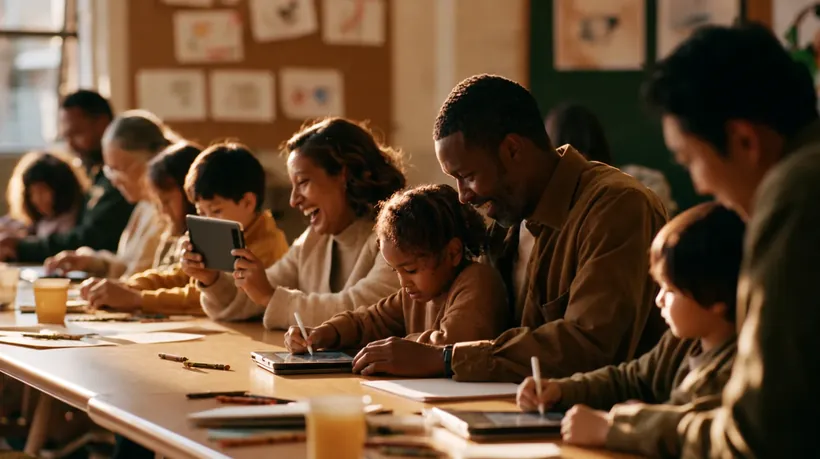
Parents and young children drawing on tablets together at a long workshop table.

Tech for Tots

Kids and their grown-ups learn side by side.

A playful class for children roughly ages 3 to 8 and the adults who love them. Make something instead of just watching, build healthy habits early, and set up the parental controls already built into your devices.

  • Draw, take photos, and record a voice story
  • Beginner block coding and unplugged games
  • Screen Time and Family Link, set up together
  • Simple safety rules: ask a grown-up first
  • A family tech agreement to take home
Who it's for
Libraries, preschools, schools, and family programs. Ages 3 to 8
Length
45 to 60 minutes, or a 4-week series
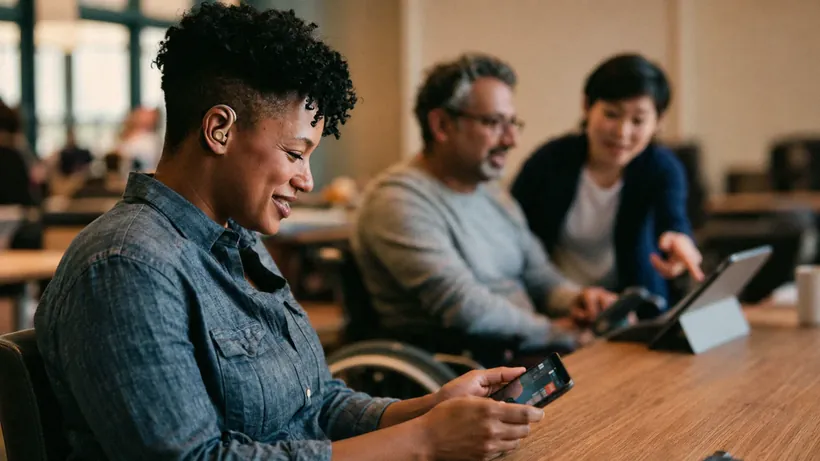
A woman wearing a hearing aid smiles at her phone while a man in a wheelchair uses a tablet with a facilitator.

Built-In Access

The accessibility tools already in your pocket, turned on together.

Every phone, tablet, and computer ships with powerful accessibility features. Most people never find them. Captions help in a noisy room, dictation helps a broken wrist, focus modes help a busy mind. We turn them on, on your own device.

  • Live Captions and Sound Recognition
  • VoiceOver, TalkBack, Magnifier, and text size
  • Voice Control, dictation, and AssistiveTouch
  • Focus modes, reader views, and Guided Access
  • iPhone, Android, Mac, and Windows
Who it's for
Schools, colleges, nonprofits, workplaces, and families
Length
60 to 90 minutes, or custom for your team

Nobody watches a slideshow. Everyone has a device in hand.

We go one thing at a time and practice it until it sticks. Nobody gets talked down to, because everyone in the room is capable. Some people just haven't been shown yet.

You leave with your own device working better than when you walked in, and a large-print guide for the fridge.

Where I teach.

Libraries, senior centers, schools, community centers, nonprofits, faith communities, and workplaces. In person across the Willamette Valley, and online anywhere.

Teaching Artist

On the Artworks roster.

Selected for the Artworks Teaching Artist roster. Available for one-off sessions, multi-week series, and residencies.

Coming up

Tech for Seniors pilot with the YMCA.

An upcoming hands-on series for members, with large-print guides, roaming helpers, and plenty of time for questions.

Book a workshop

Let's bring a workshop to your community.

Tell me a little about your group and I'll get back to you within two business days.

Rates

Rates depend on group size and format. Contact me for a quote. There is a sliding scale for libraries and nonprofits.

Prefer email? hello@anthonyarlene.com